The Clearwork Studio
AI Productivity System™
Original price was: US$29.99.US$22.99Current price is: US$22.99.
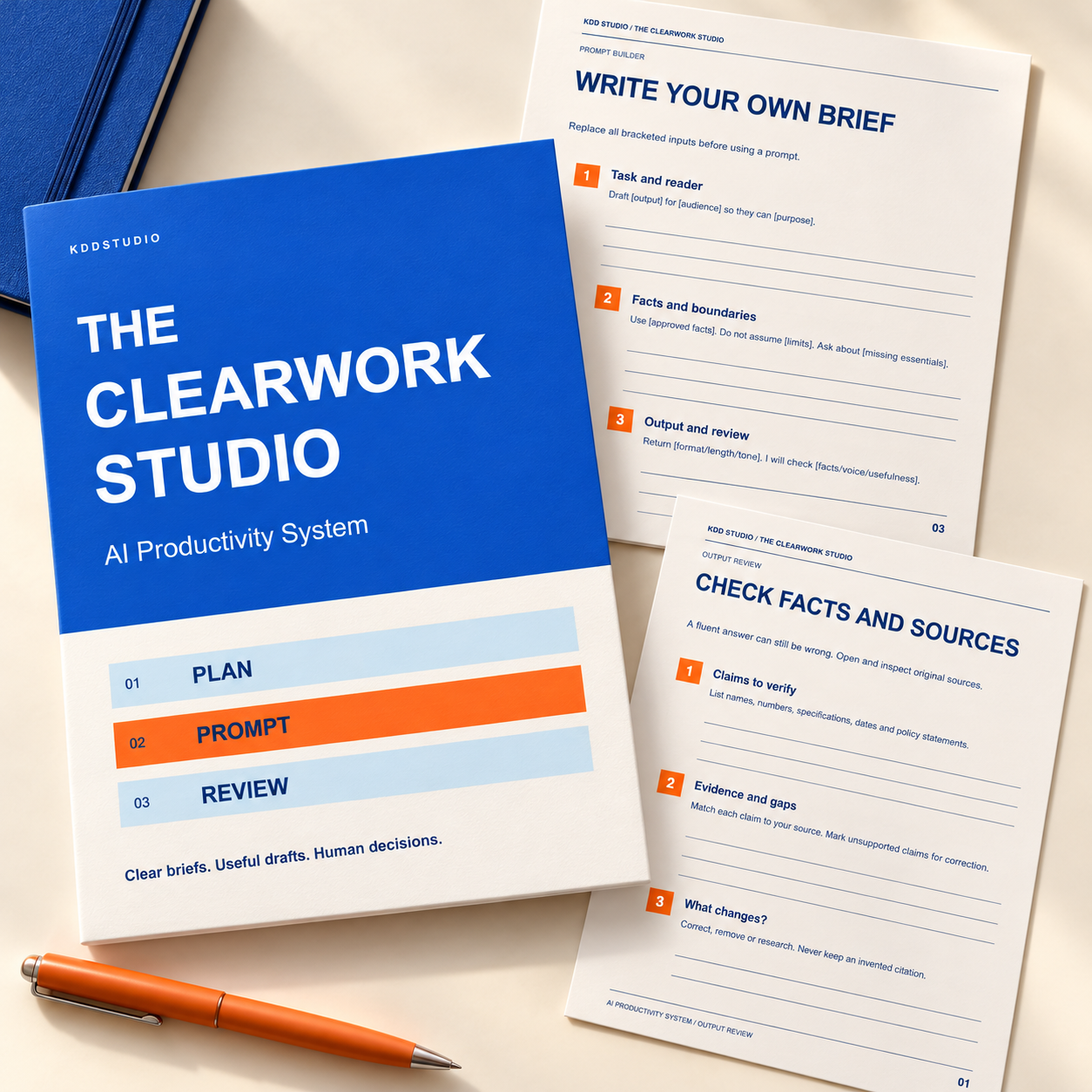
Give everyday creative-business tasks a clearer process. The Clearwork Studio combines six editable Canva documents, 24 pages, with twelve customizable prompts, matching printable PDFs and a clickable Start Here guide. Plan a bounded task, prepare a useful brief and review the result before you use it. Digital toolkit only; no AI software or subscription included.
Picture your next project
Open an image to explore the collection details.
Description
Clear briefs. Useful drafts. Human decisions.
The AI Productivity System helps creative business owners approach routine writing, planning and organizing with a repeatable process. The Clearwork Studio brings together practical worksheets and original prompts so you can define the work, supply relevant information and decide whether the result is good enough to use.
Its cobalt, warm-white, tangerine and sky-blue layouts keep the work clear: strong headings, crisp rules and generous writing space. Use the editable Canva copies for your own business, or print the corresponding PDFs and plan by hand.
Six coordinated documents
- Workflow Starter Workbook: six pages covering your quick route, recurring tasks, task selection, useful context and a workflow record, including the collection cover.
- Prompt Builder: four pages explaining a clear brief, a fictional worked example, your own brief and targeted revision prompts.
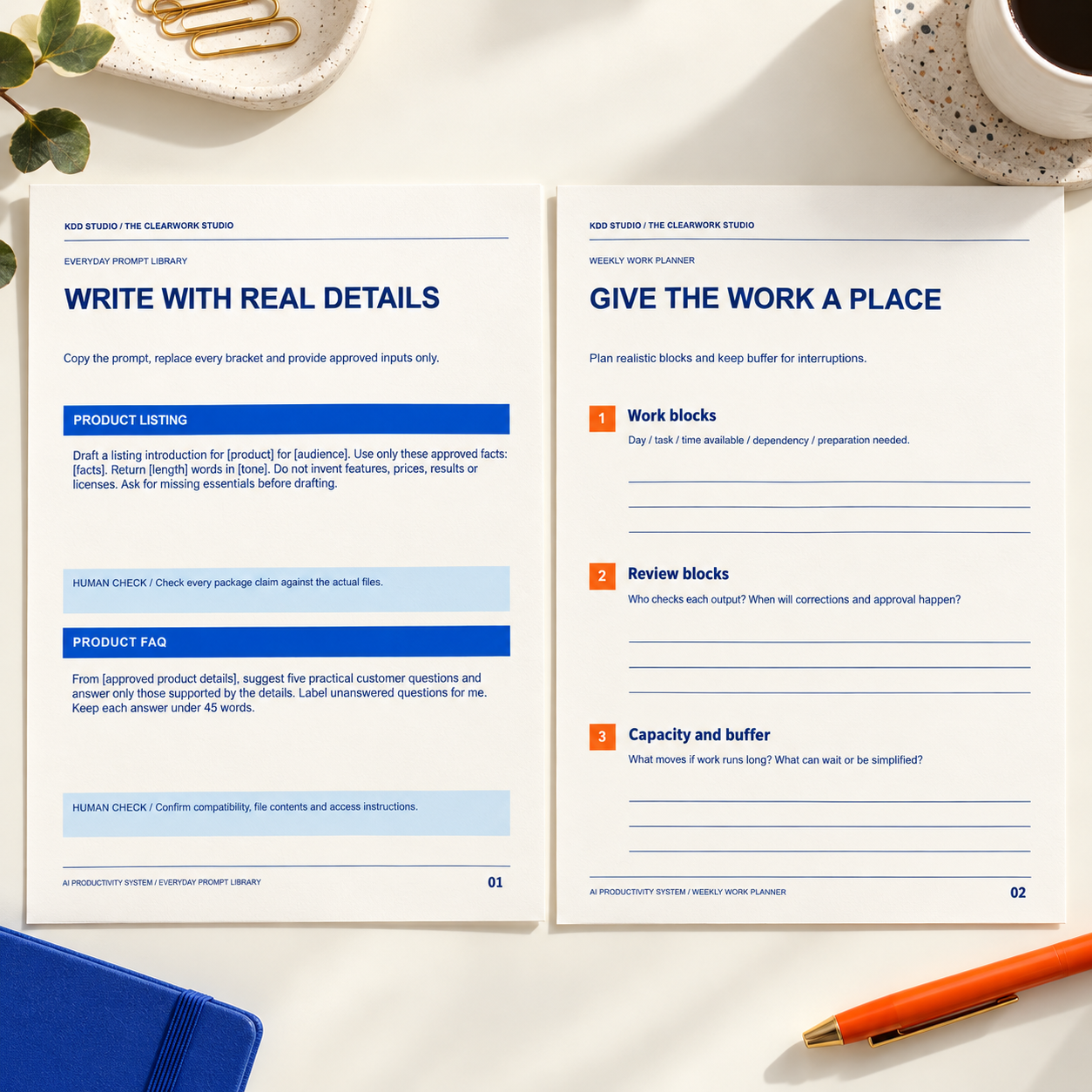
- Everyday Prompt Library: six pages containing twelve copy-and-customize prompts for product copy, customer responses, content, tasks, research preparation and process documentation.
- Output Review Desk: three pages for checking facts and sources, voice and usefulness, and human approval before release.
- Weekly Work Planner: three pages for priorities, realistic work blocks and reviewing the whole effort, including preparation and correction time.
- Reusable Workflow Cards: two pages with a blank process record and a completed fictional example.
There are 24 unique pages in six editable Canva documents. Six static printable PDFs contain those same pages; they are not 24 additional designs. You also receive a four-page clickable Start Here guide, a plain-text version of all twelve prompts, instructions, a README and single-business-use terms.
Use a prompt without starting from a blank screen
Choose a suitable task and gather approved facts before asking an AI assistant to help. Each library prompt has bracketed inputs to replace and a human check to complete. The copyable text file makes it easy to paste the wording into an assistant of your choice instead of retyping from a picture.
Tasks include drafting a product introduction, preparing a FAQ from supplied facts, responding from an approved policy, clarifying an inquiry, brainstorming content from actual offers, repurposing approved wording, breaking down a project, ordering a task list, preparing research questions, organizing supplied notes, drafting a process and reviewing an SOP.
These prompts provide starting points. The toolkit encourages missing questions to stay visible rather than becoming invented facts. It also gives you room to record what you changed, what you checked and what should remain a human decision.
Make room for careful review
An answer can sound confident and still be wrong. Use the review worksheets to identify claims, inspect original sources, compare the output with your real product or policy and remove unsupported details. An AI assistant checking its own answer is not independent verification.
The weekly planner includes preparation, review and correction time so you can assess your own experience. No specific time saving, revenue increase or business result is promised. A process that works for one task may need revision for another.
Access, editing and printing
Open the ZIP and begin with Start_Here.pdf. Its six buttons open customer-copy Canva templates. Sign into Canva and use the template option to make your own copy. Your edits remain separate from the KDD Studio originals. Duplicate pages in your copy when you need another week or workflow record.
The printable PDFs are US Letter, 8.5 x 11 inches. Print at actual size and test one page first. These are static writing sheets, not fillable PDF forms. Screen and print colors vary with devices, paper and printers.
Internet access and a Canva account are required for the editable versions. An AI service is needed if you choose to run the prompts; its access, terms, features and limits are separate. This package includes no AI subscription, chatbot, software integration or automatic publishing or messaging. Prompts are ordinary text; no specific paid model feature is required by the core instructions.
Usage and support
Customize and use the files for one business under the included terms. Layouts are non-exclusive. Do not resell or redistribute the blank templates, prompt library, customer package or template links. Review any third-party terms for tools and material you add.
Use only information you are authorized to provide. Check accuracy, rights, privacy and suitability before publishing, sending or relying on AI output. This toolkit supplies general resources rather than legal, tax or financial advice. No physical items or mockup props are included.
For help accessing your files, contact hello@kavviesdigitaldesigns.com.
Reviews
There are no reviews yet.